How to Create Service Packages, Bundles, and Industry-Specific Offerings
Learn how to combine services and products into packages that improve sales and customer value.
Step-by-Step Process
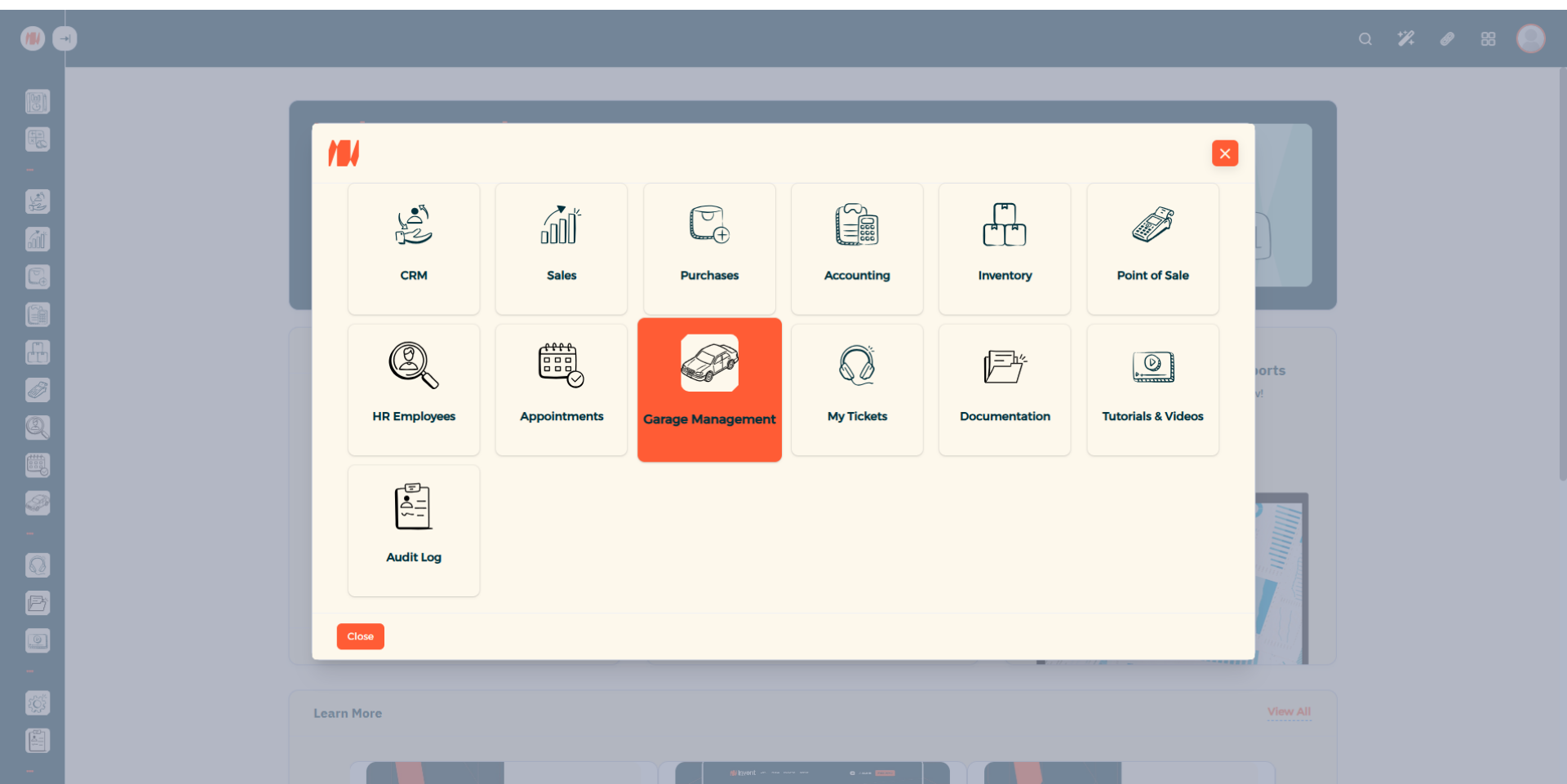
Step 1: Navigate to Garage Management
From the Main Menu, look at the top right corner then click on All apps. Then Select Garage Management.
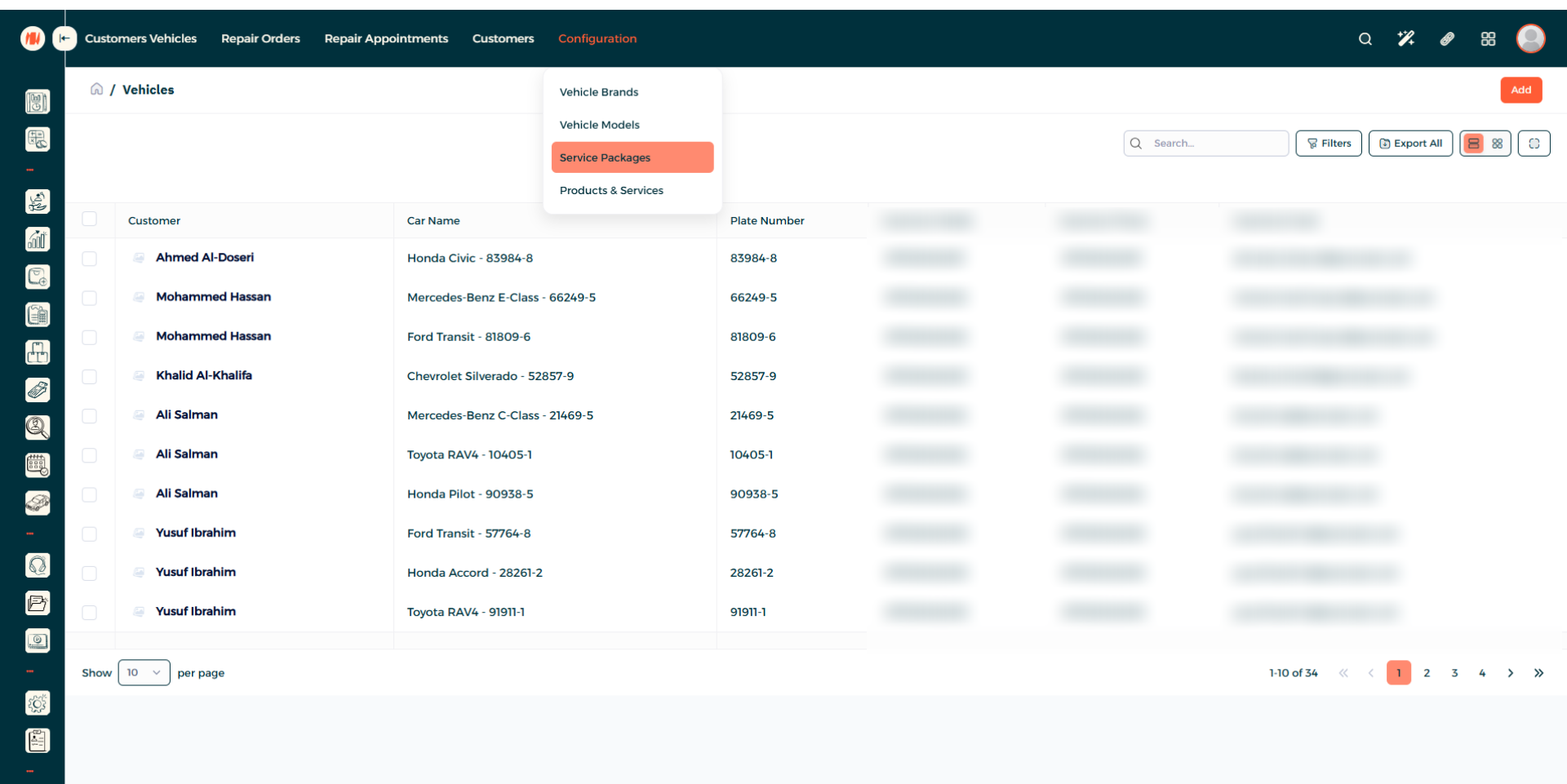
Step 2: Navigate to Service Packages
Under configuration, click on Service Packages.
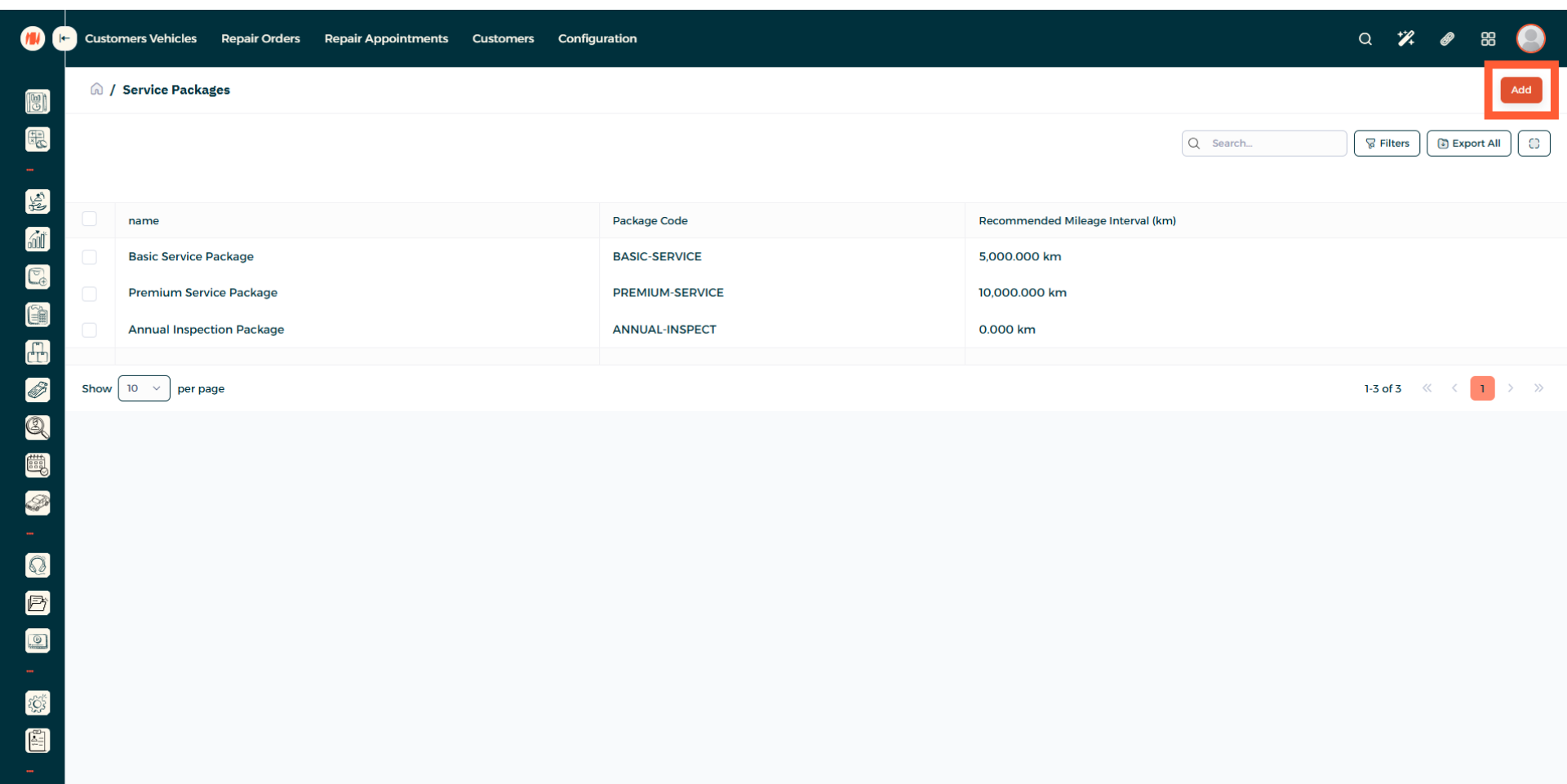
Step 3: Add a Service Package
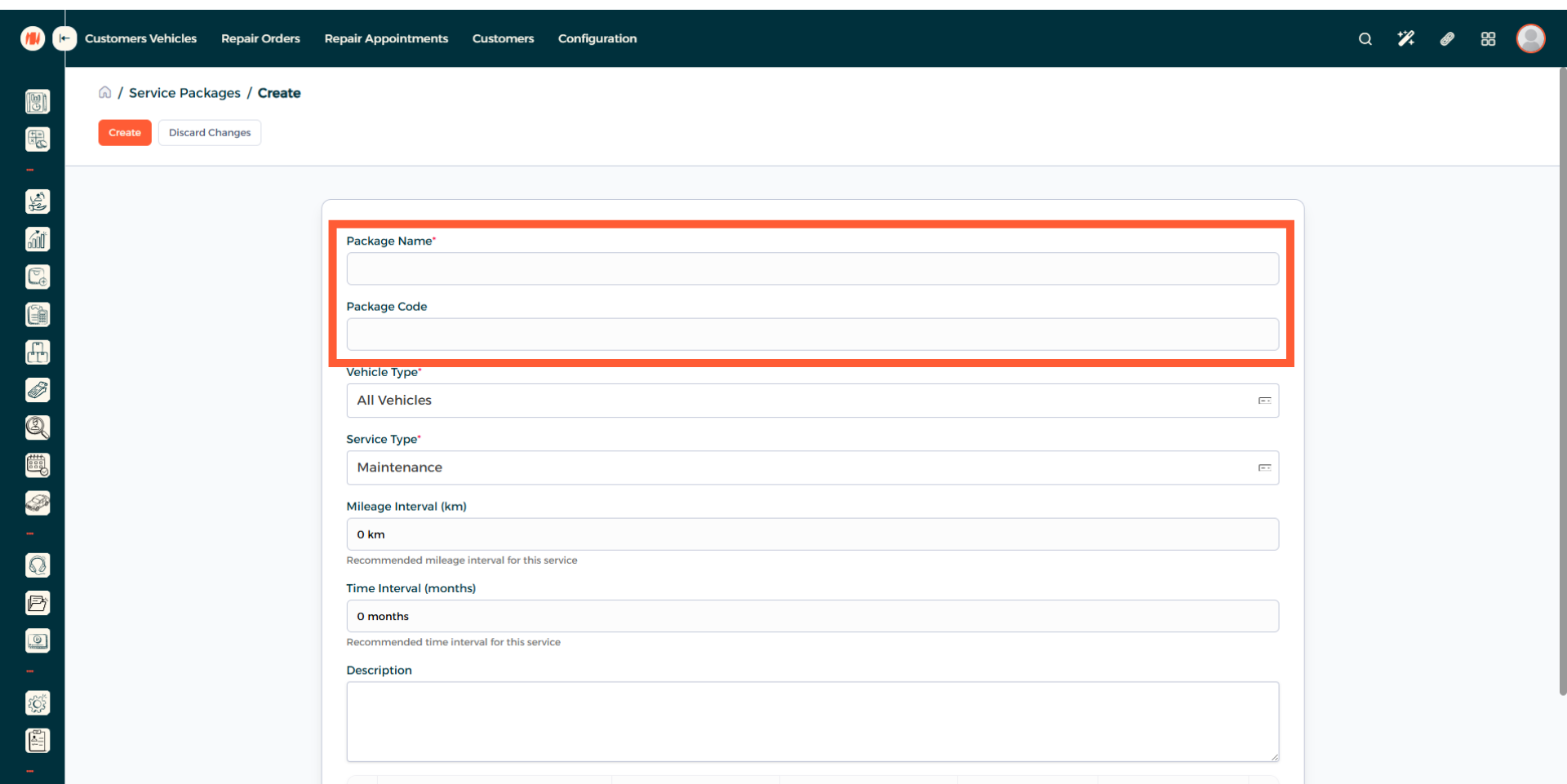
Step 4: Enter Package Name and Code
Step 5: Select Vehicle Type
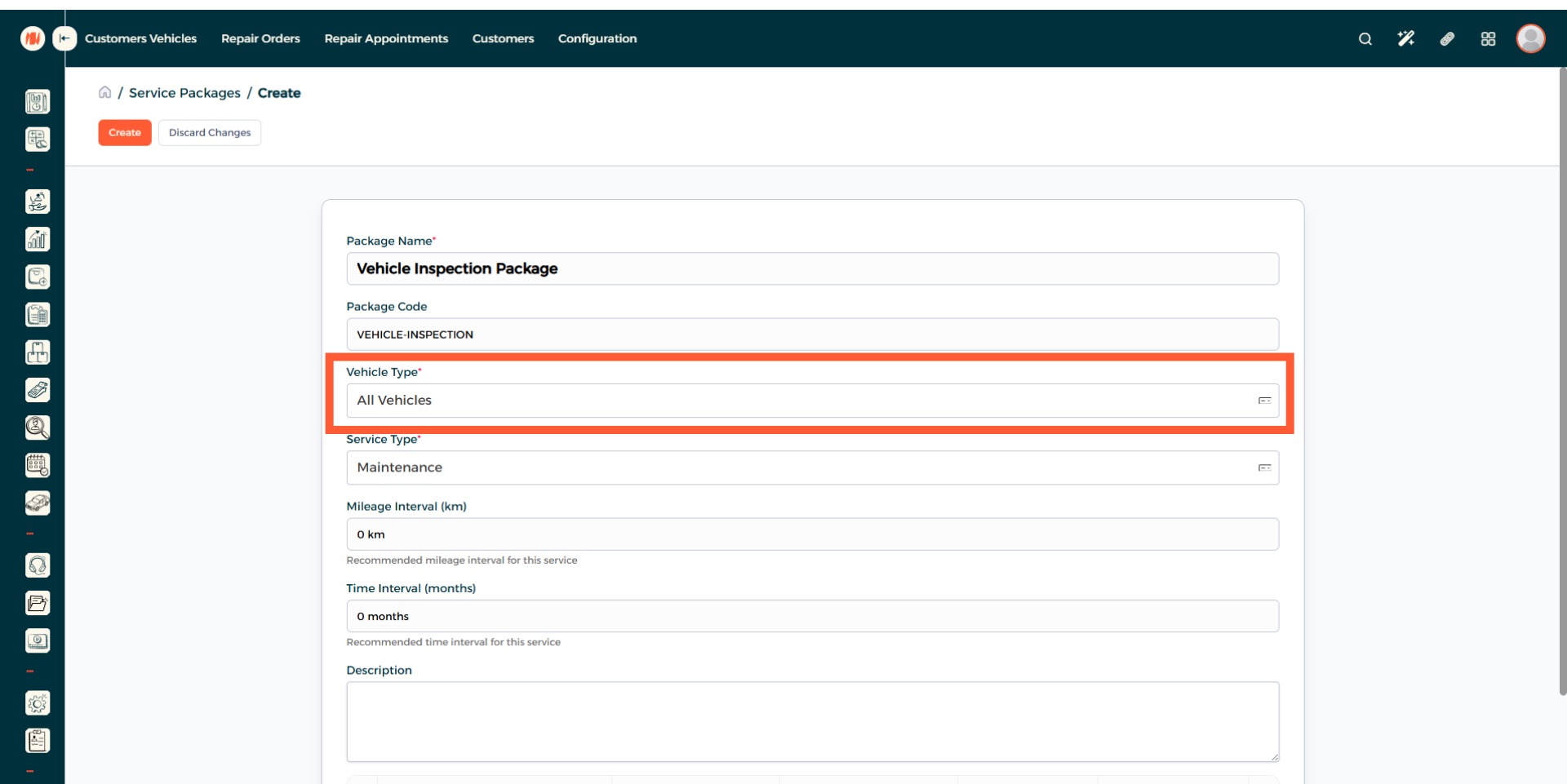
Step 6: Choose Service Type
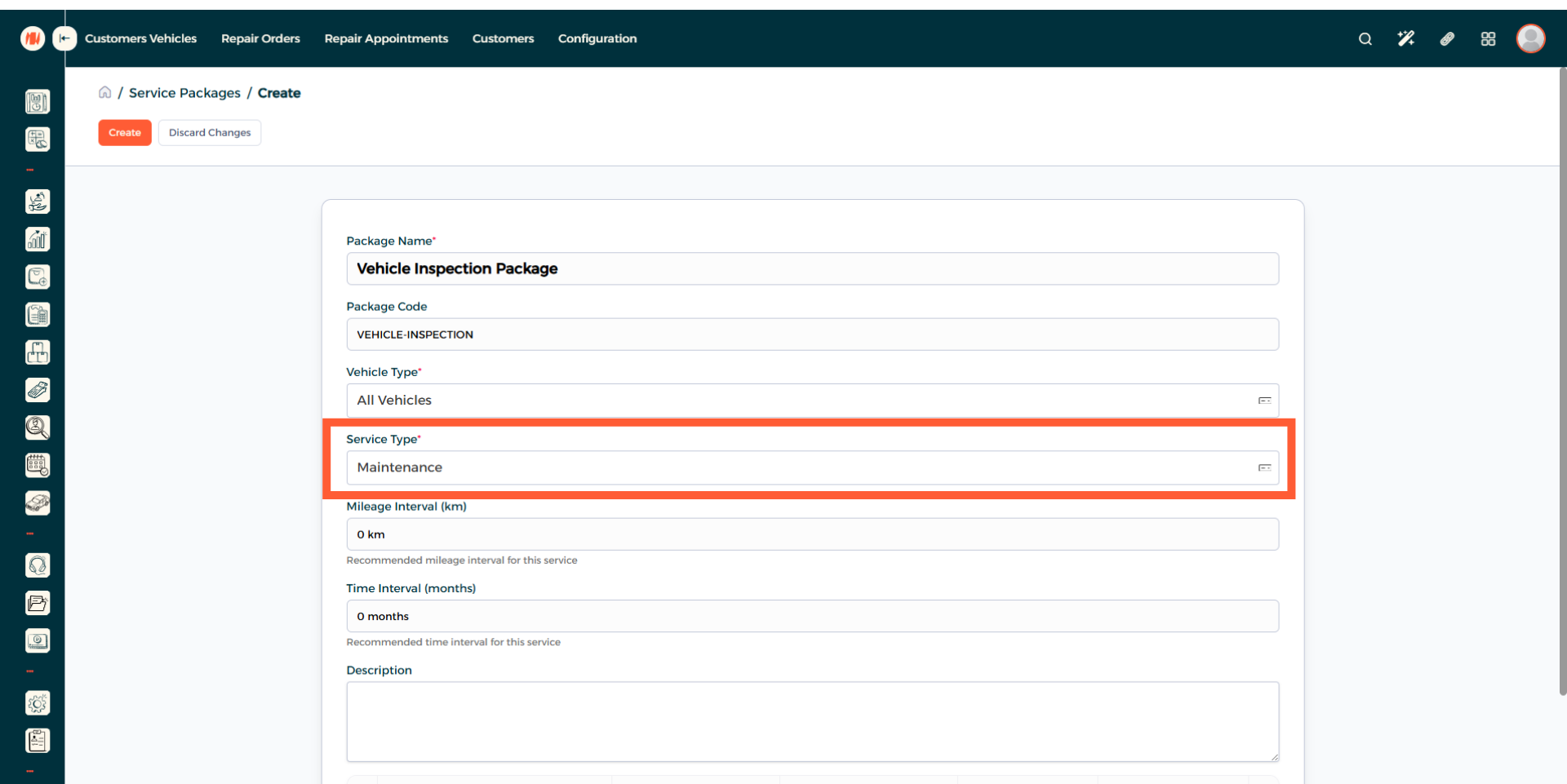
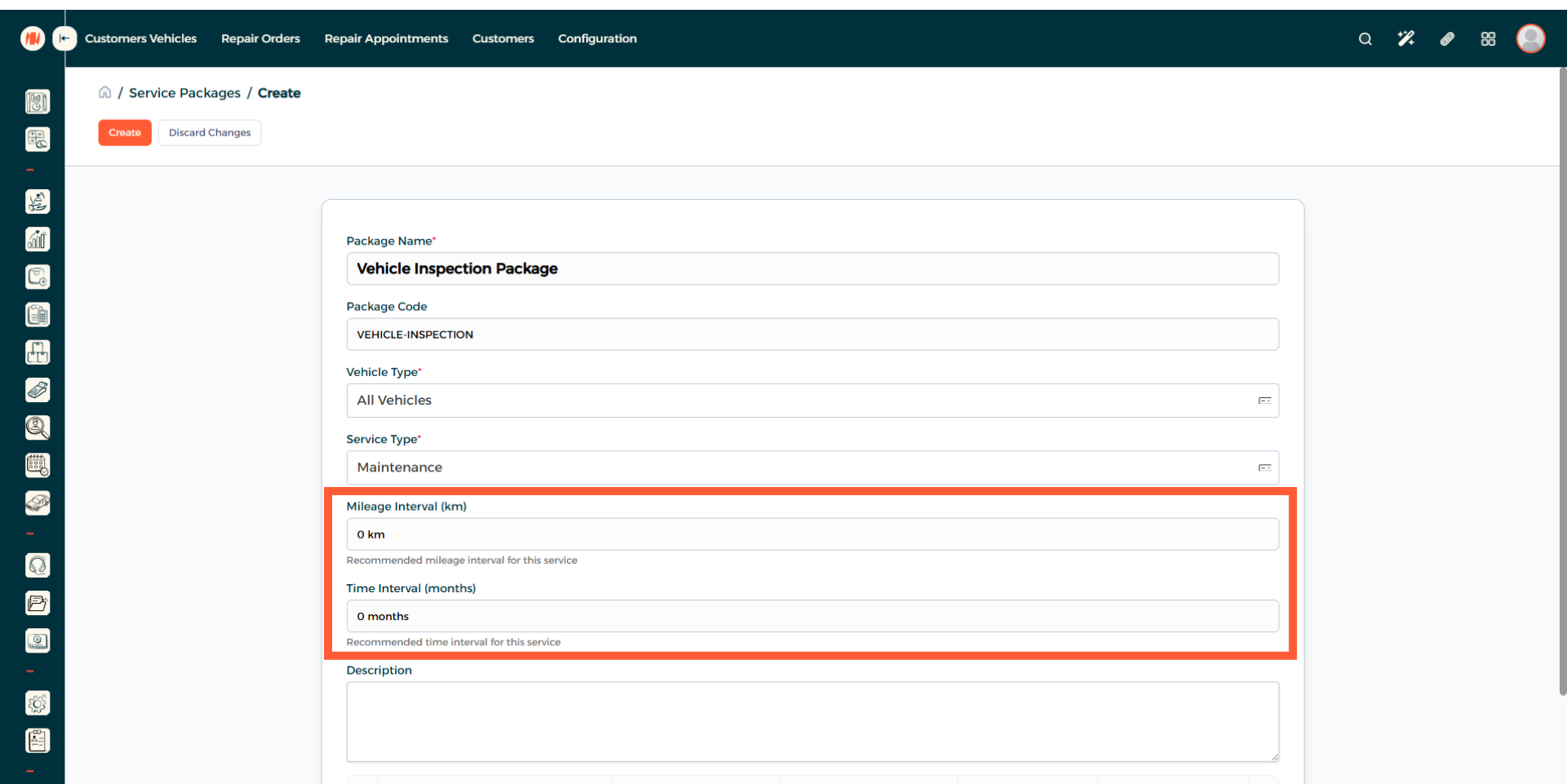
Step 7: Enter Mileage and Time Interval (Recommended)
If it is suitable for the service package. It is recommended to add a mileage interval in kilometers (km). And a time interval in months.
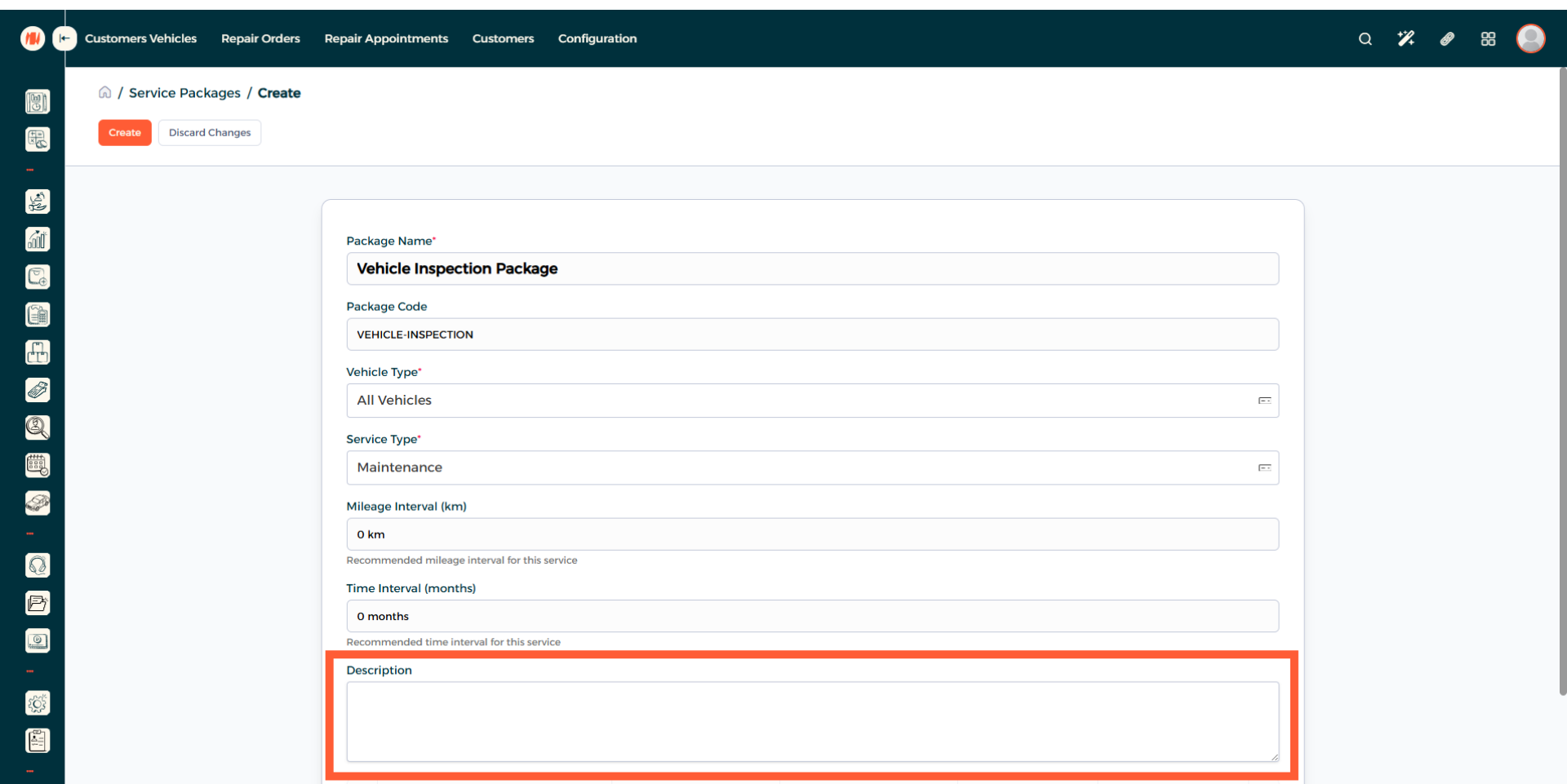
Step 8: Add a description
Step 9: Add a Product
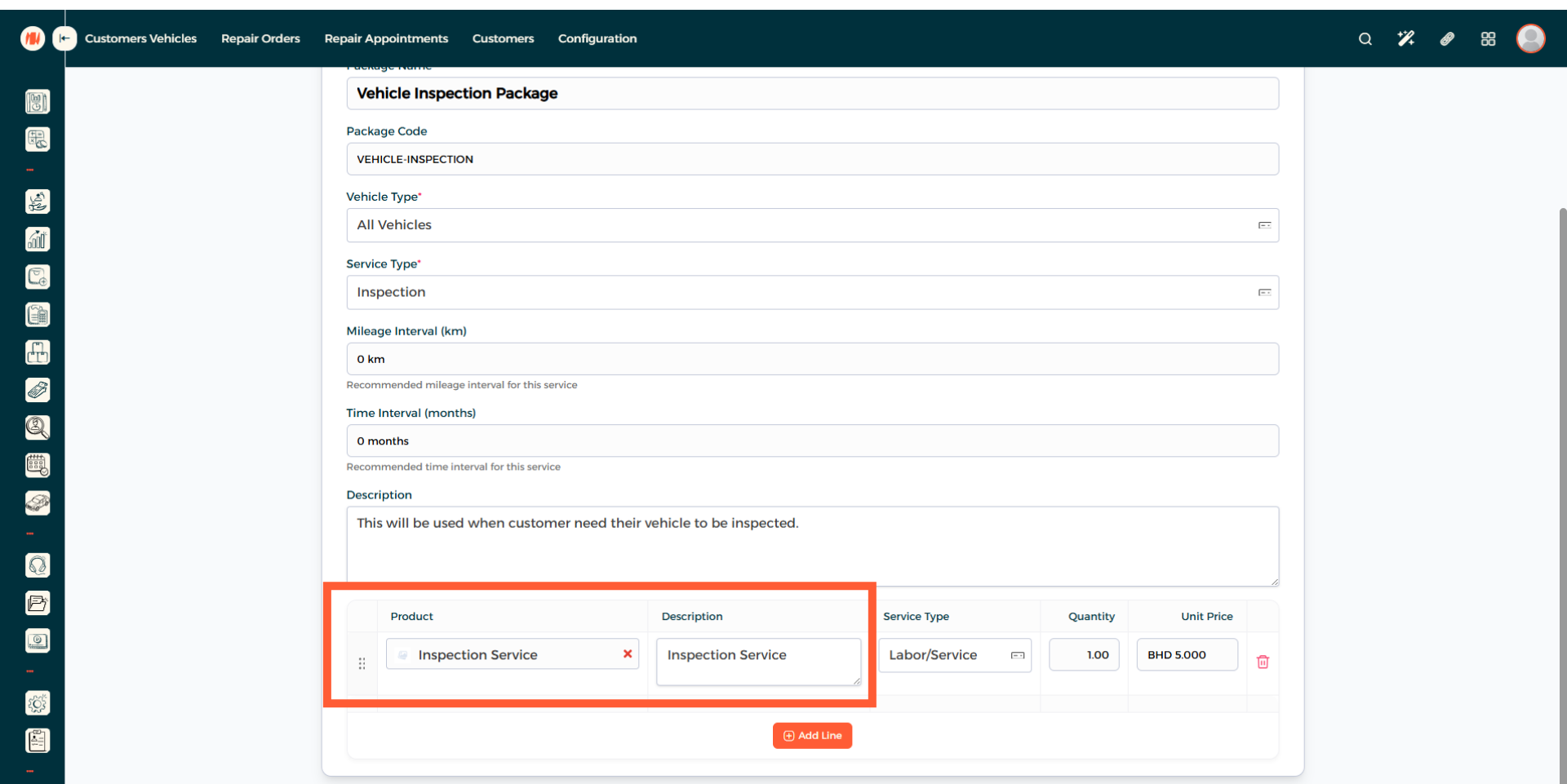
Step 10: Confirm Product Details
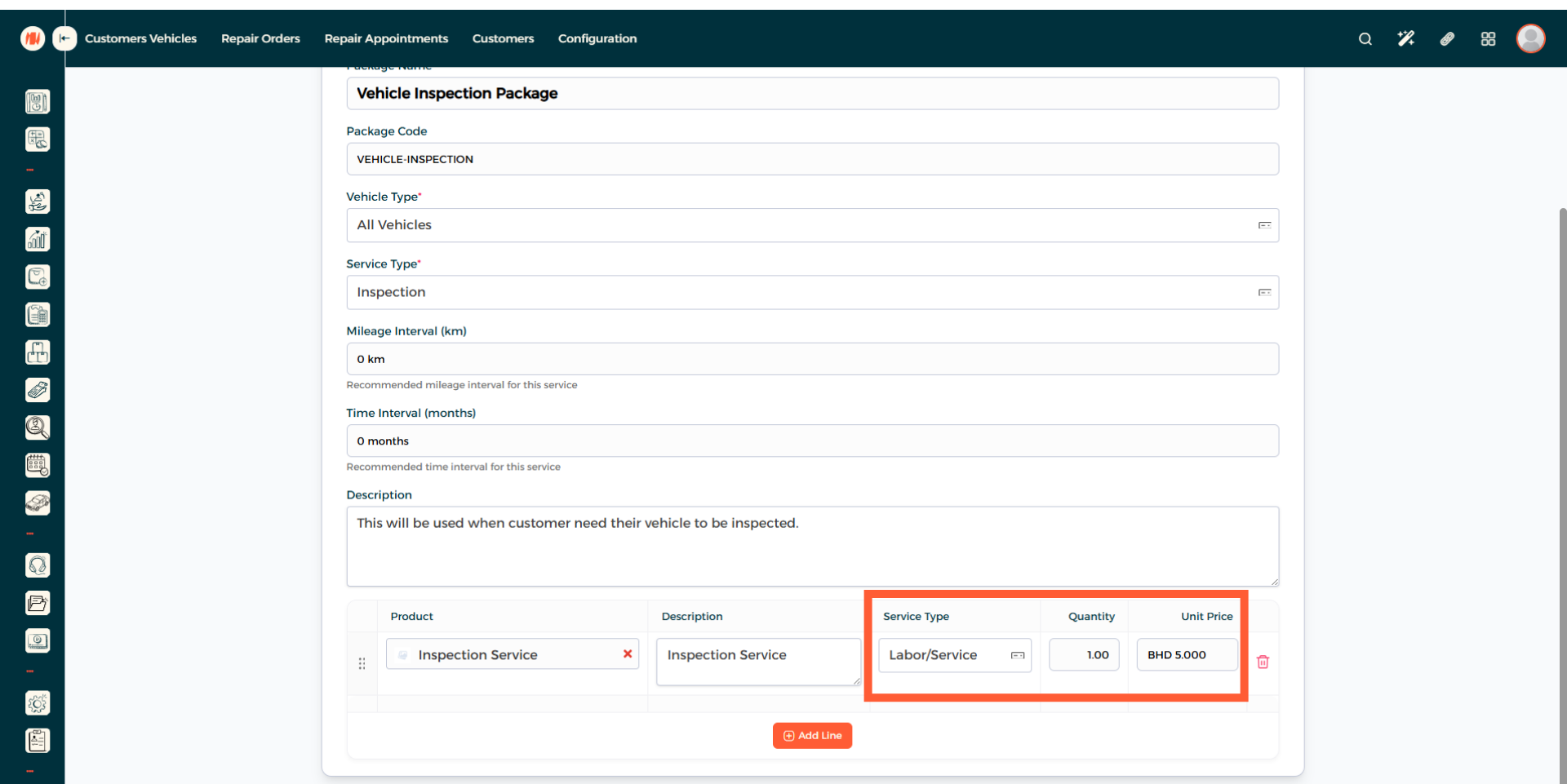
Clarify if it is a part/product or a labor/service. Afterward, enter the quantity and price.
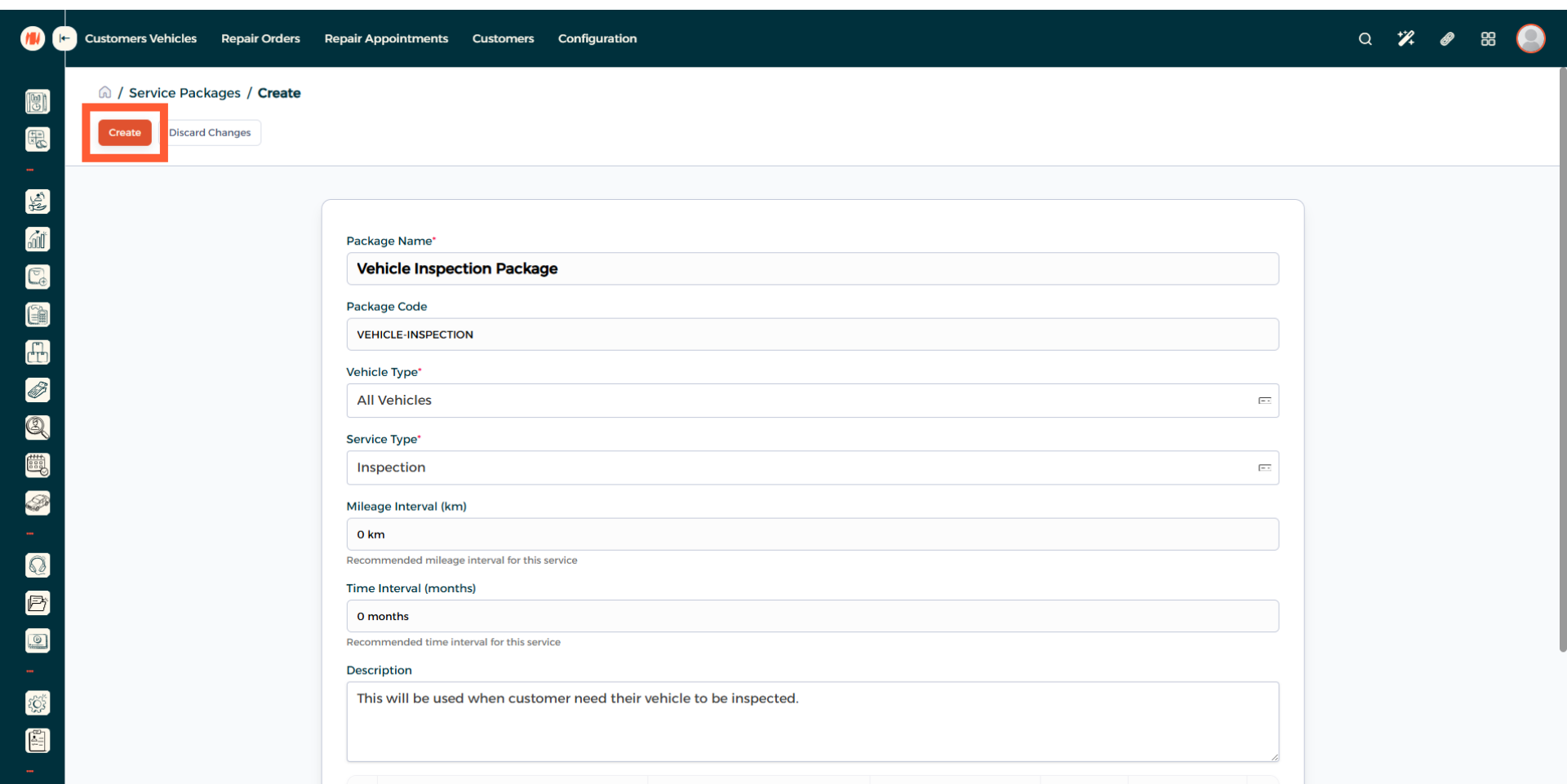
Step 11: Create Service Package
Review all the information, then go ahead and create your Service Package.
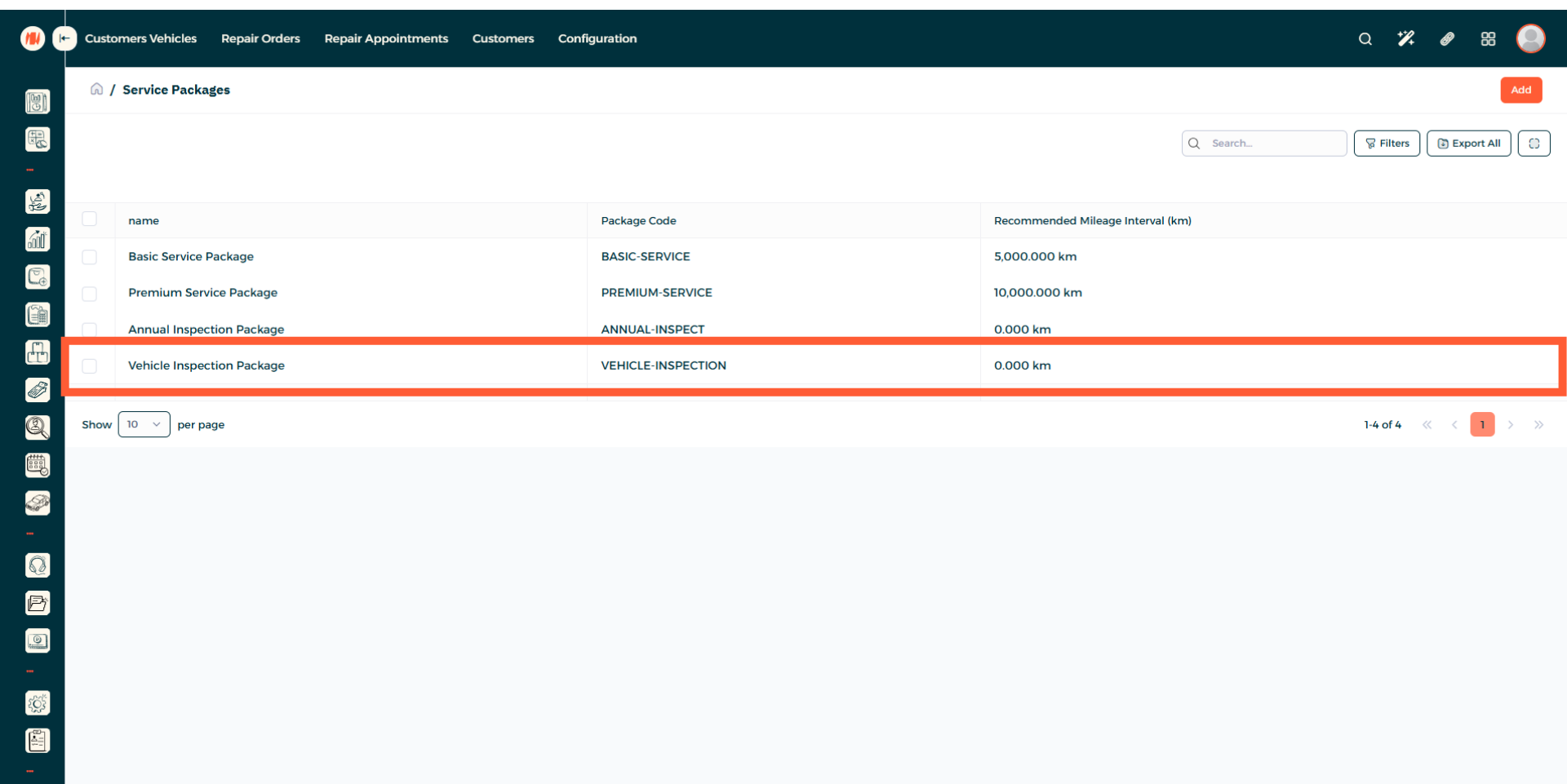
Step 12: View Service Package
Navigate to the Service Package page, then you can see you have successfully created a Service Package.
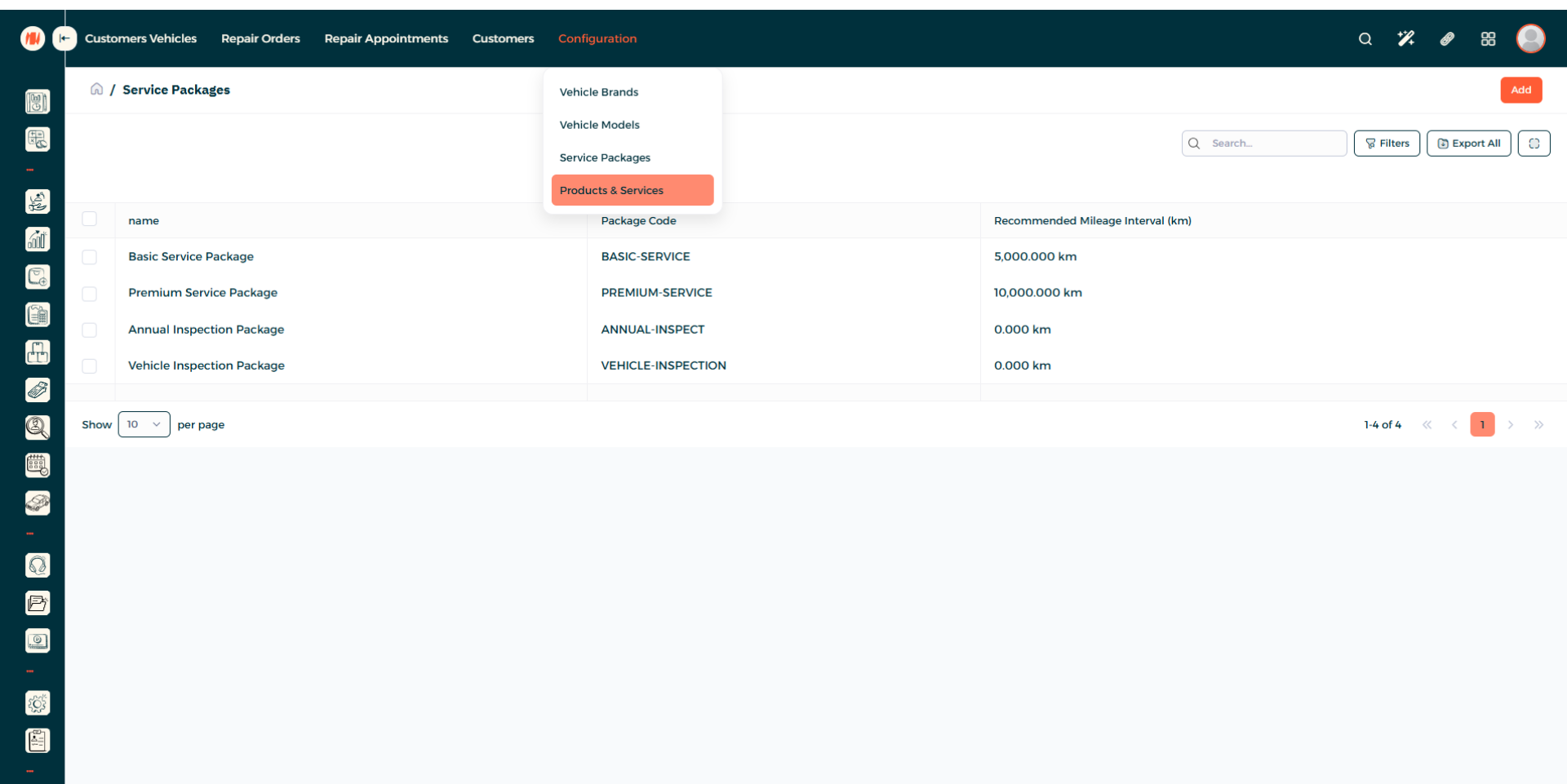
Step 13: Navigate to Product and Services
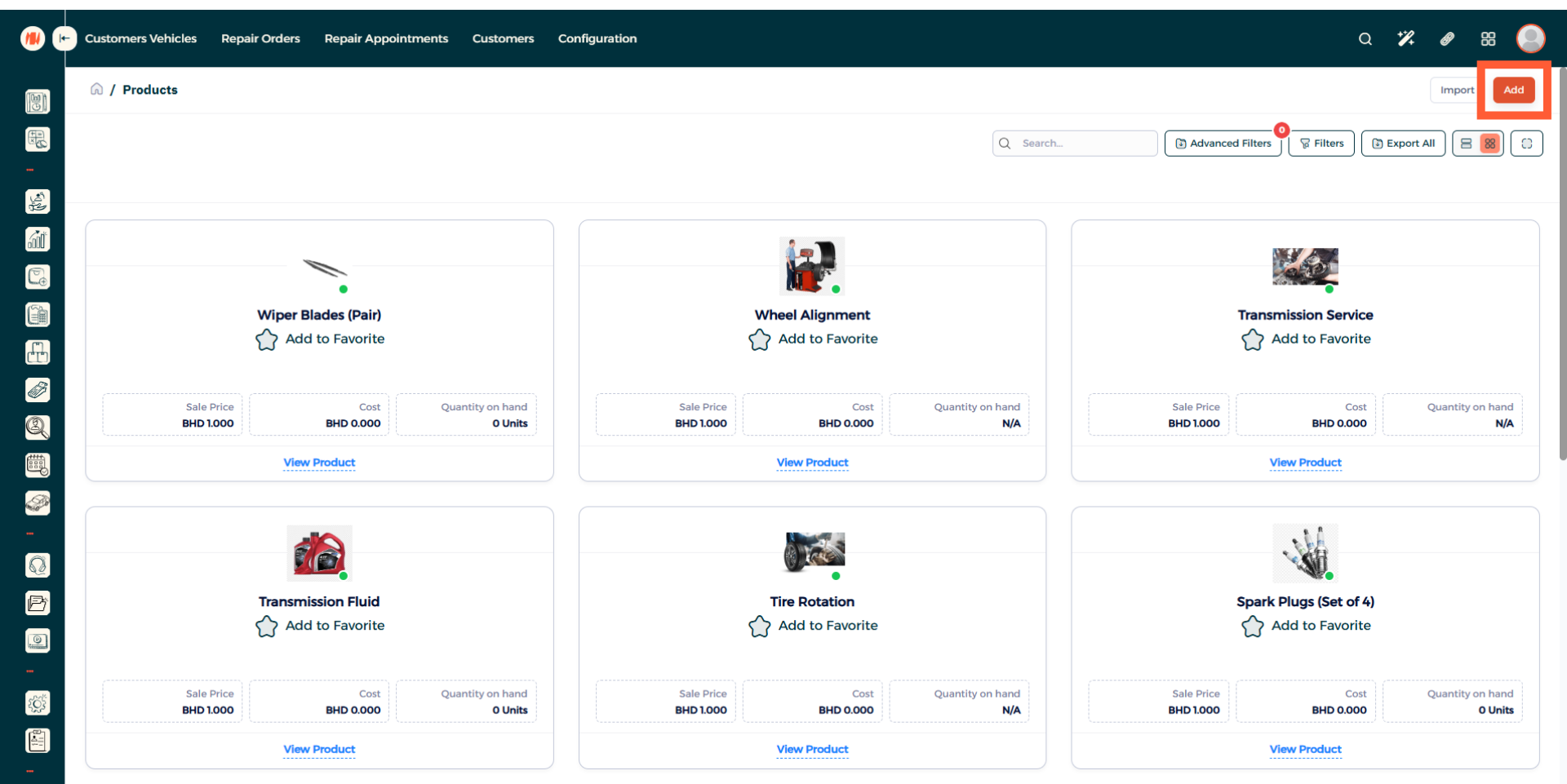
Step 14: Add a Product or Service
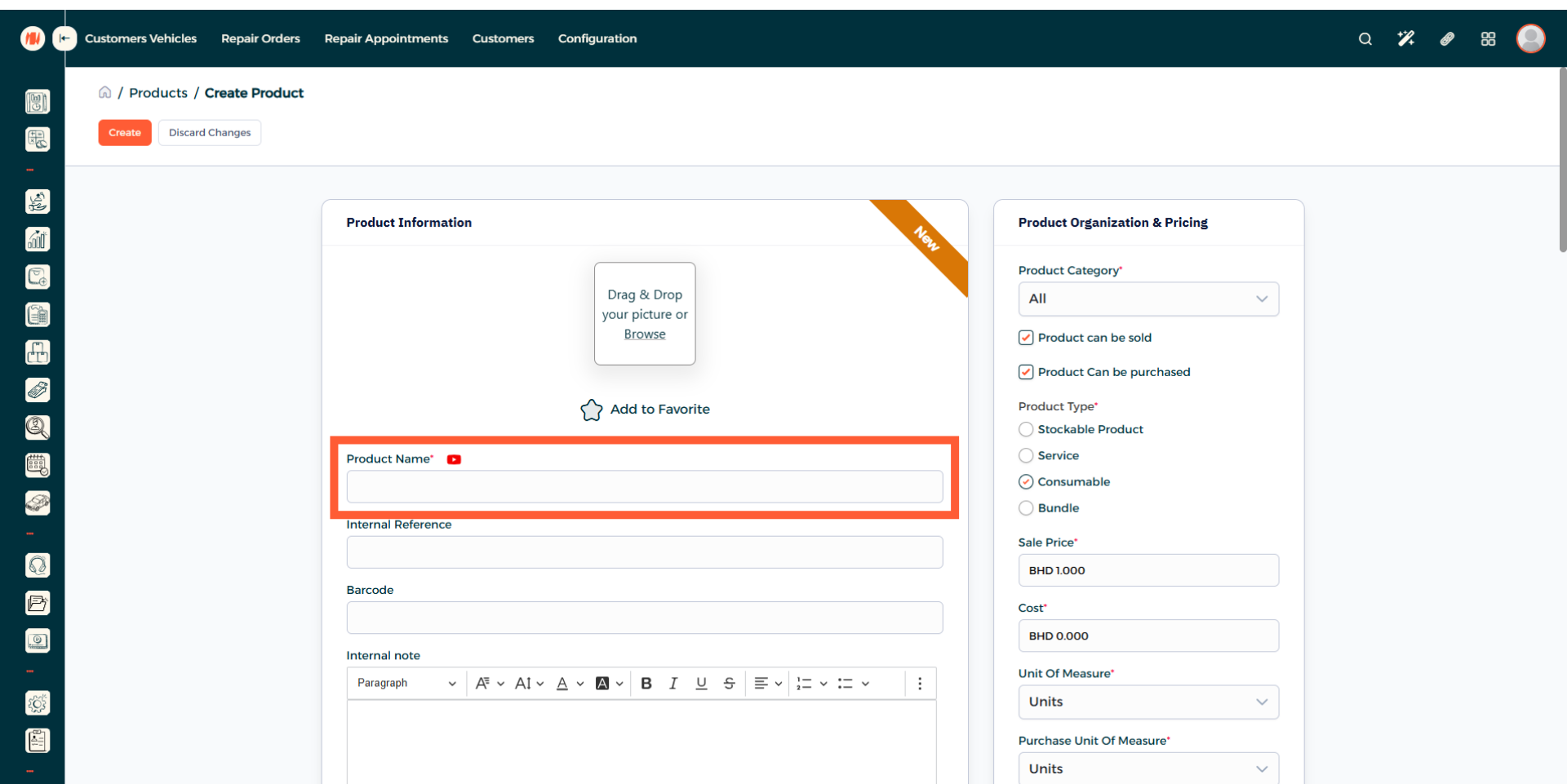
Step 15: Enter Product Name
Step 16: Specify Product Type
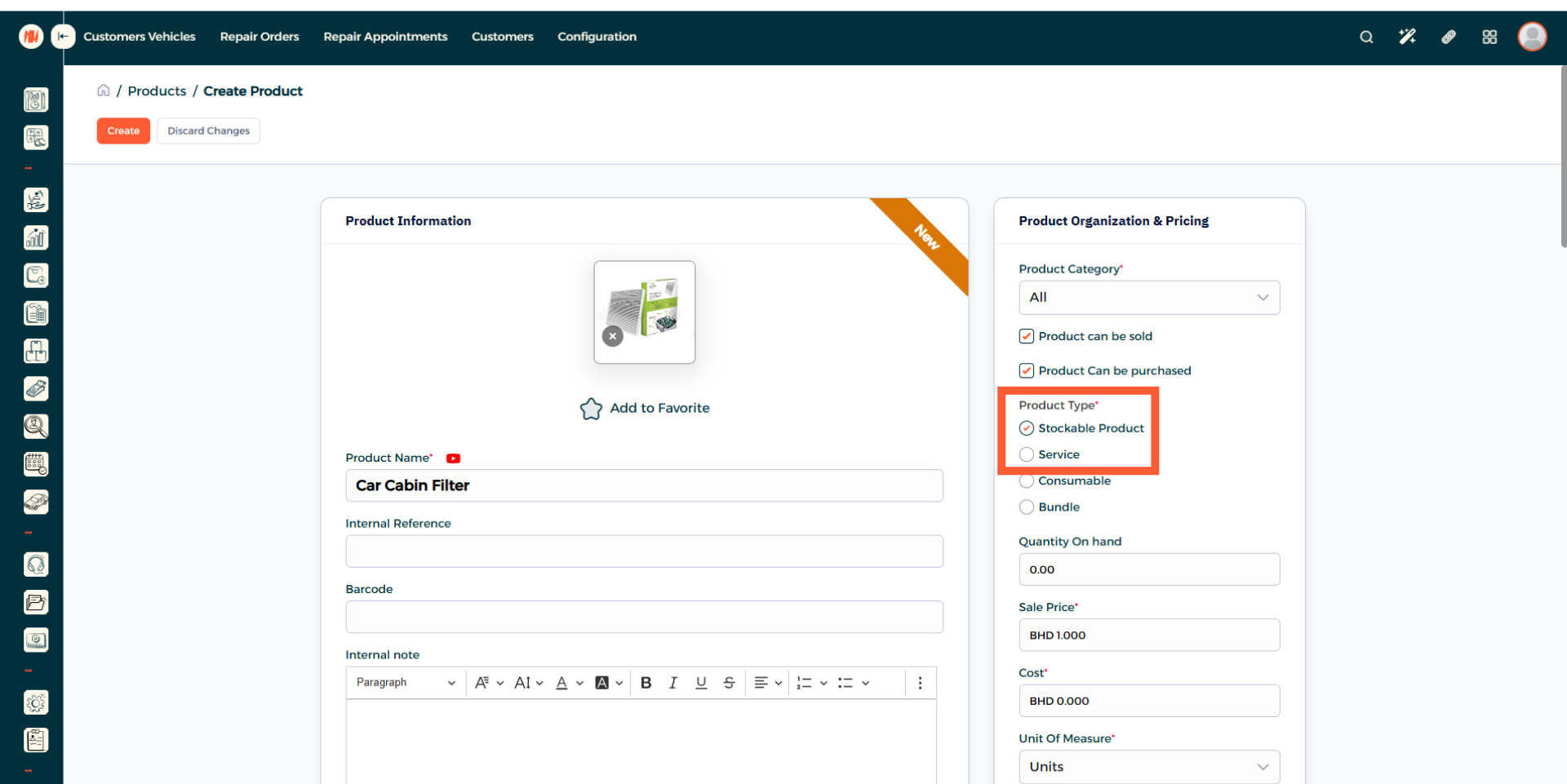
Step 17: Enter Quantity
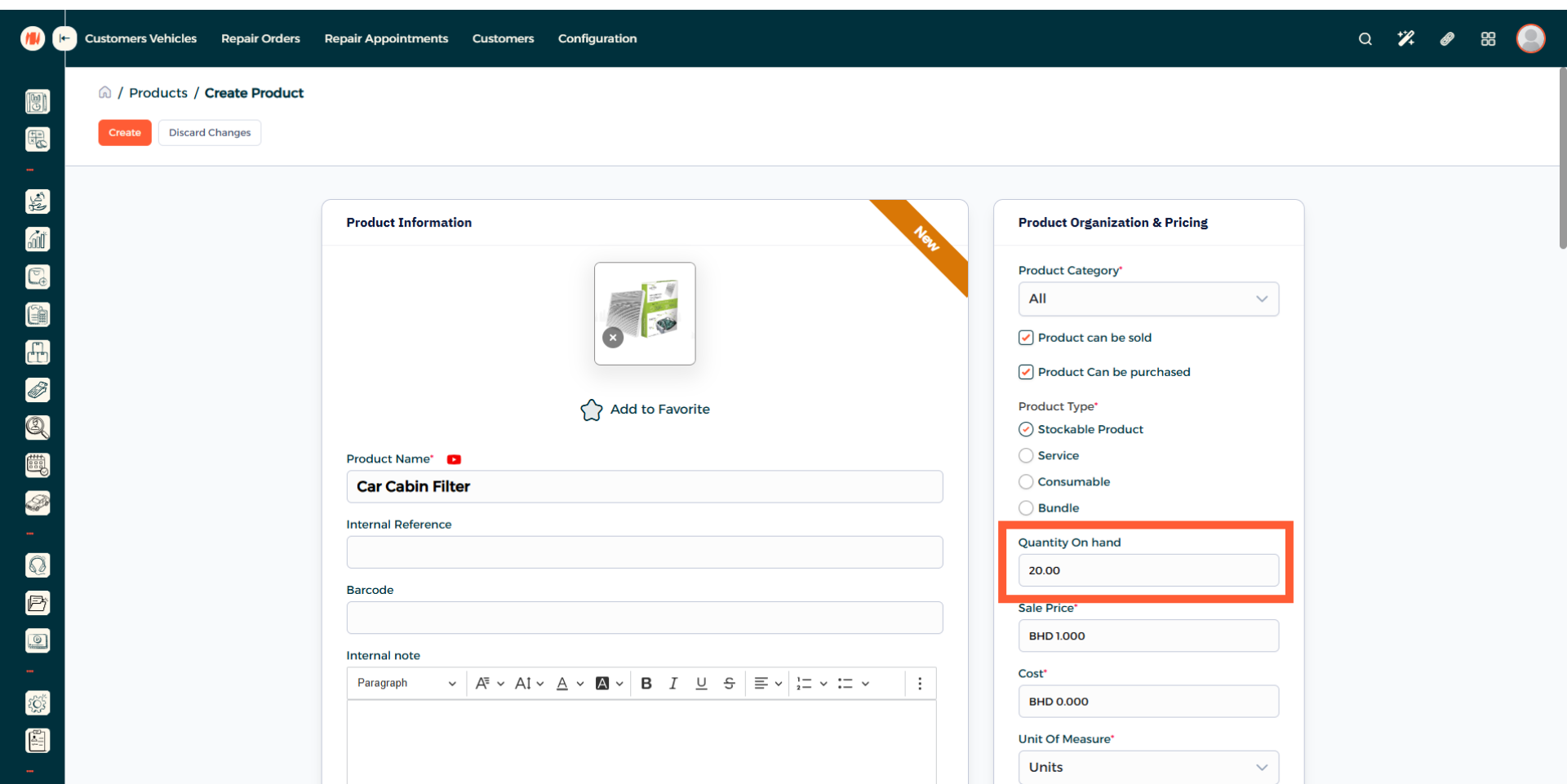
Step 18: Set Product Price and Cost
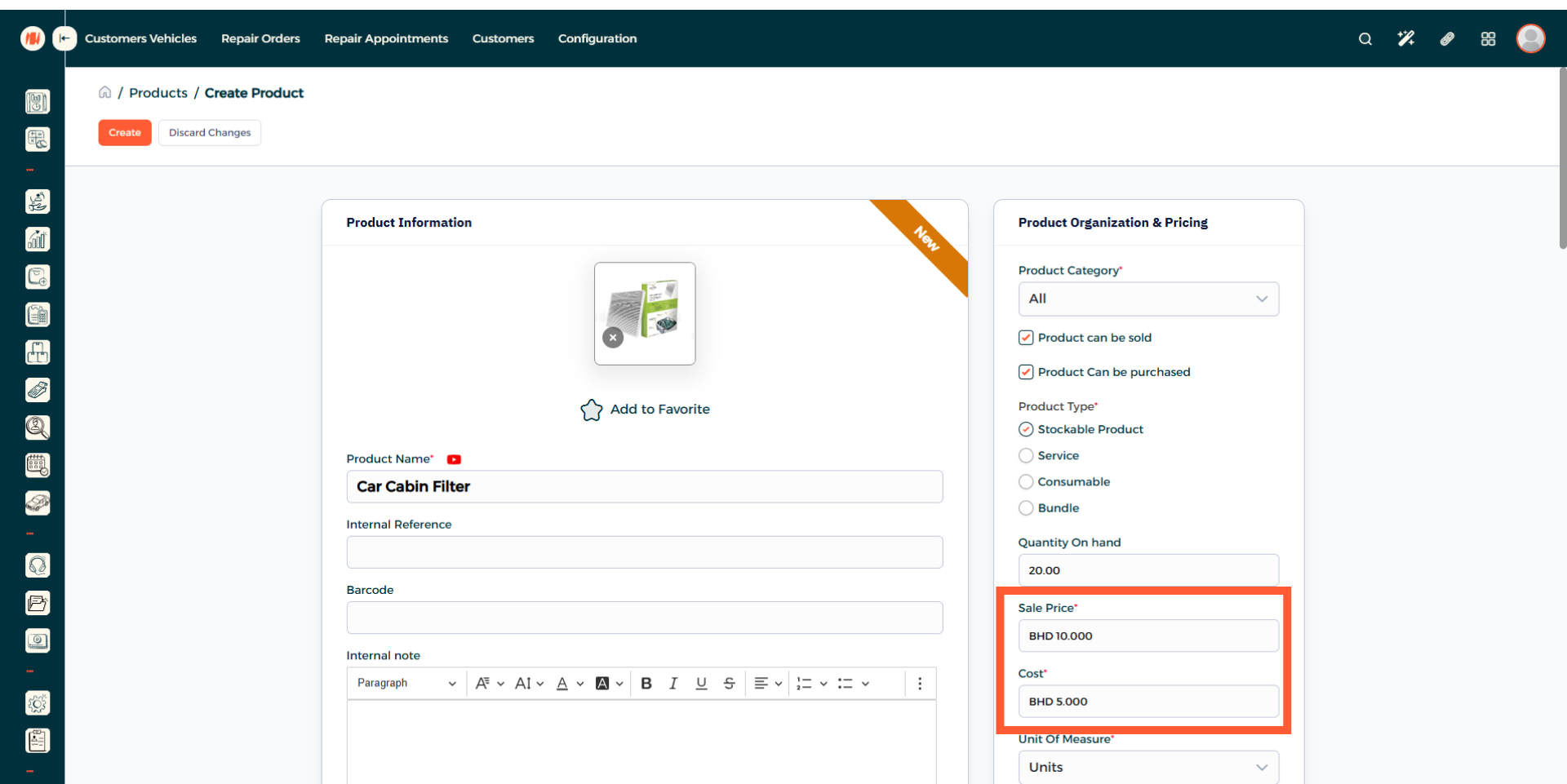
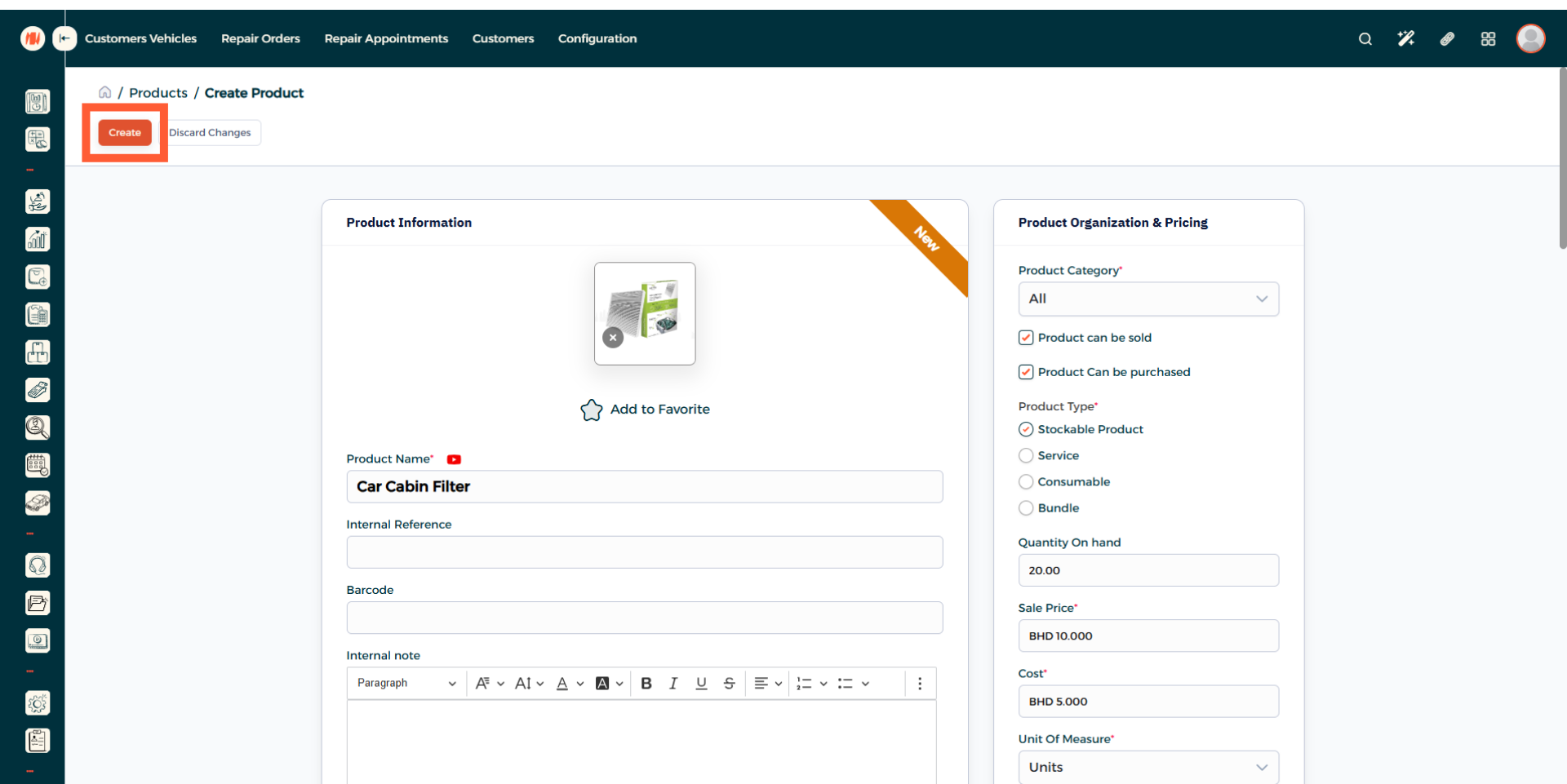
Step 19: Create Product
When everything looks good, create product. That's it! you know now how to create a product or service in Invent ERP.
Notes & Tips
- Add service packages to streamline workflow and reduce manual entry when creating orders.
- Keep products and service packages up to date, as regular reviews leads to accurate pricing and overall ensure consistent garage management.
FAQ
Q: When should I use a service package?
Use a service package whenever you offer a repeatable, consistent service because creating one speeds up quoting, reduces manual entry, and reduces time wastage.
Q: Can packages be limited to a certain vehicle type?
Yes, when creating a service package, select the applicable vehicle types to restrict the package only to that vehicle type.